

eSIM Compatible Phone Check
Two things matter: eSIM support and an unlocked phone.

Find your phone
Search our maintained compatible-device list. Check your exact model and country of purchase: regional versions can differ.
Loading compatible devices…
Check Your Exact Device
Apple
How Do I Find My Model & Check My Phone?
Find Your Exact Model
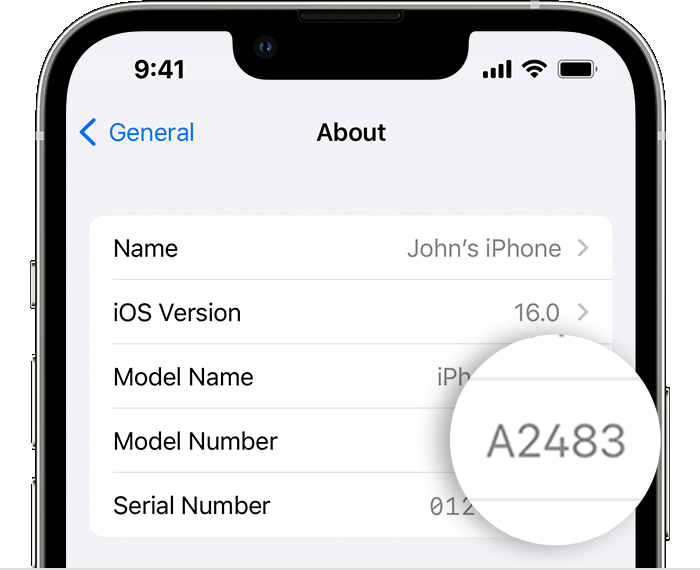
Settings → General → About. Read Model Name, then tap Model Number to reveal the A-number. Use this code with Apple’s model information to check the sales variant.
Check eSIM Support
Settings → Mobile Service / Cellular → Add eSIM. Look for the option; you do not need to install or delete a plan to do this check.
Confirm Your Carrier Unlock
Settings → General → About. Scroll to Carrier Lock (or Network Provider Lock). “No SIM restrictions” means unlocked. Any other result: ask your current carrier. A screen passcode or SIM PIN is a different lock.
Check Where It Was Originally Sold
The original sales region matters, even if you bought it second-hand elsewhere. Mainland China, Hong Kong and Macao variants can differ. Some newer mainland-China iPhones support eSIM, so country alone is not a pass or fail. Certain mainland-China iPhones must be outside mainland China to install a foreign eSIM. Confirm your exact model and installation location with support.
If an option is missing, update your phone’s software and check with the manufacturer or original carrier. Don’t erase your phone or delete an existing eSIM for this check.
Samsung
How Do I Find My Model & Check My Phone?
Find Your Exact Model
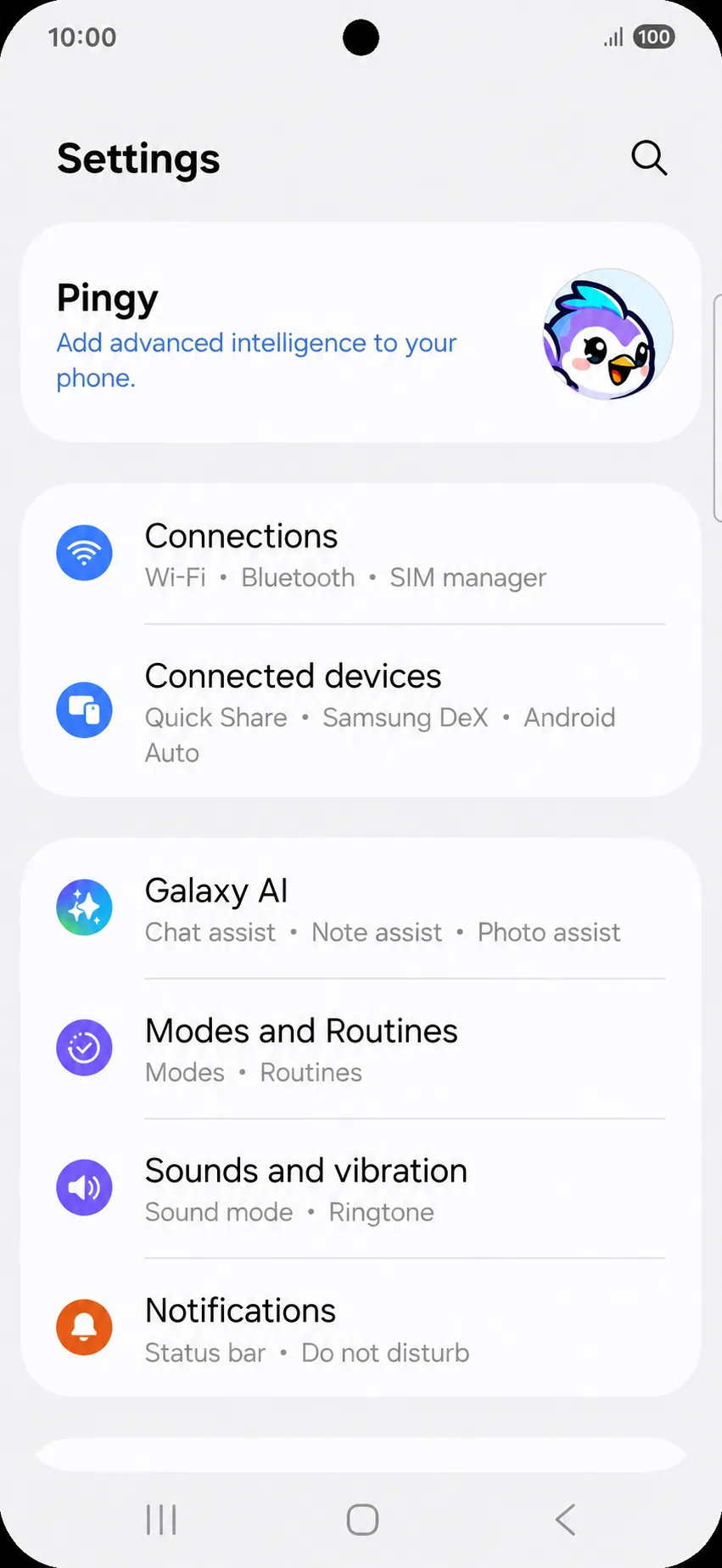
Settings → About phone. Read the model name and full model number, including any suffix. Check the original box or seller’s invoice for its sales region.
Check eSIM Support
Settings → Connections → SIM manager. Look for Add eSIM. Menus and support vary by regional model, carrier and software.
Confirm Your Carrier Unlock
Ask the original carrier to confirm a permanent network unlock for use with another carrier’s travel eSIM. An Add eSIM menu, an EID or a SIM PIN setting does not confirm the network lock. If your carrier provides a Device Unlock screen, it should show permanently unlocked.
Check Where It Was Originally Sold
The original sales region matters, even if you bought it second-hand elsewhere. Mainland China, Hong Kong and Macao variants can differ. Some newer mainland-China iPhones support eSIM, so country alone is not a pass or fail. Certain mainland-China iPhones must be outside mainland China to install a foreign eSIM. Confirm your exact model and installation location with support.
If an option is missing, update your phone’s software and check with the manufacturer or original carrier. Don’t erase your phone or delete an existing eSIM for this check.
How Do I Find My Model & Check My Phone?
Find Your Exact Model
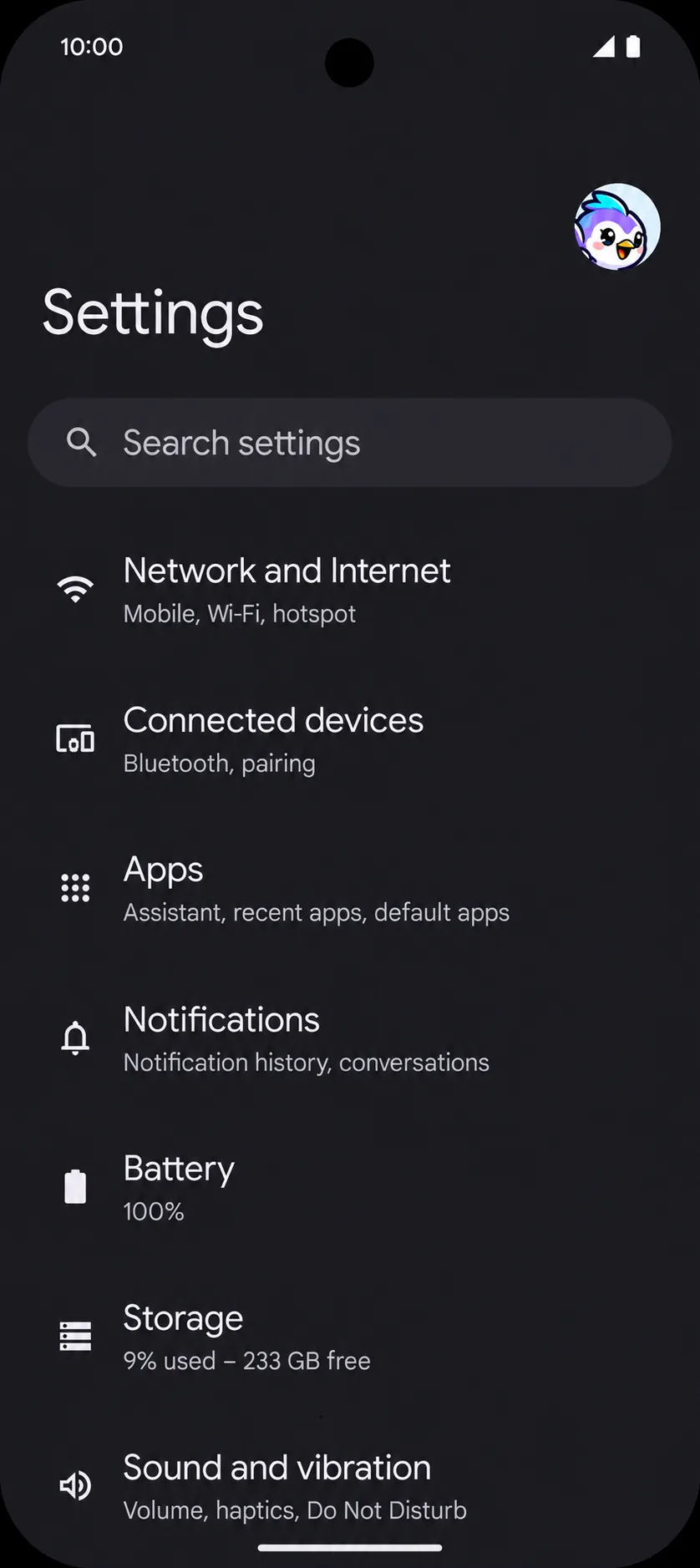
Settings → About phone. Read the model; check Regulatory labels or the original box for the exact regional model code.
Check eSIM Support
Settings → Network & internet → SIMs → Add SIM → Set up an eSIM. Older versions may say Download a SIM instead. An EID under About phone → SIM status is another hardware check, not proof of carrier unlock.
Confirm Your Carrier Unlock
Ask the carrier that sold the phone to confirm it is SIM unlocked for another carrier’s eSIM. Google Store phones are sold unlocked, but carrier purchases can differ. Do not use the OEM unlocking / bootloader setting as a SIM-unlock check.
Check Where It Was Originally Sold
The original sales region matters, even if you bought it second-hand elsewhere. Mainland China, Hong Kong and Macao variants can differ. Some newer mainland-China iPhones support eSIM, so country alone is not a pass or fail. Certain mainland-China iPhones must be outside mainland China to install a foreign eSIM. Confirm your exact model and installation location with support.
If an option is missing, update your phone’s software and check with the manufacturer or original carrier. Don’t erase your phone or delete an existing eSIM for this check.
iPhone
In Settings, open Mobile Service or Cellular and look for Add eSIM. To check the carrier lock, open General → About: the lock field should show “No SIM restrictions”.
Model and regional differences matter. Check the exact phone you will use.
Apple’s carrier unlock guideAndroid
On Google Pixel, open Settings → Network & internet → SIMs → Add SIM → Set up an eSIM. On other Android phones, search Settings for “eSIM”; menu names vary.
Ask your carrier to confirm your phone is unlocked. An eSIM menu alone does not confirm that.
Google’s Pixel eSIM guideCheck the exact model
Phones with the same name may have different eSIM capabilities depending on where they were sold. If anything is unclear, confirm with the manufacturer or contact support before paying.